Know when clients open the gallery
Page views, photos opened and downloads for each gallery, day by day. You know the photos were seen before you follow up.
Upload a shoot, pick one of a dozen styles, send one link. Your clients download the original files without an account, and you see when they looked.
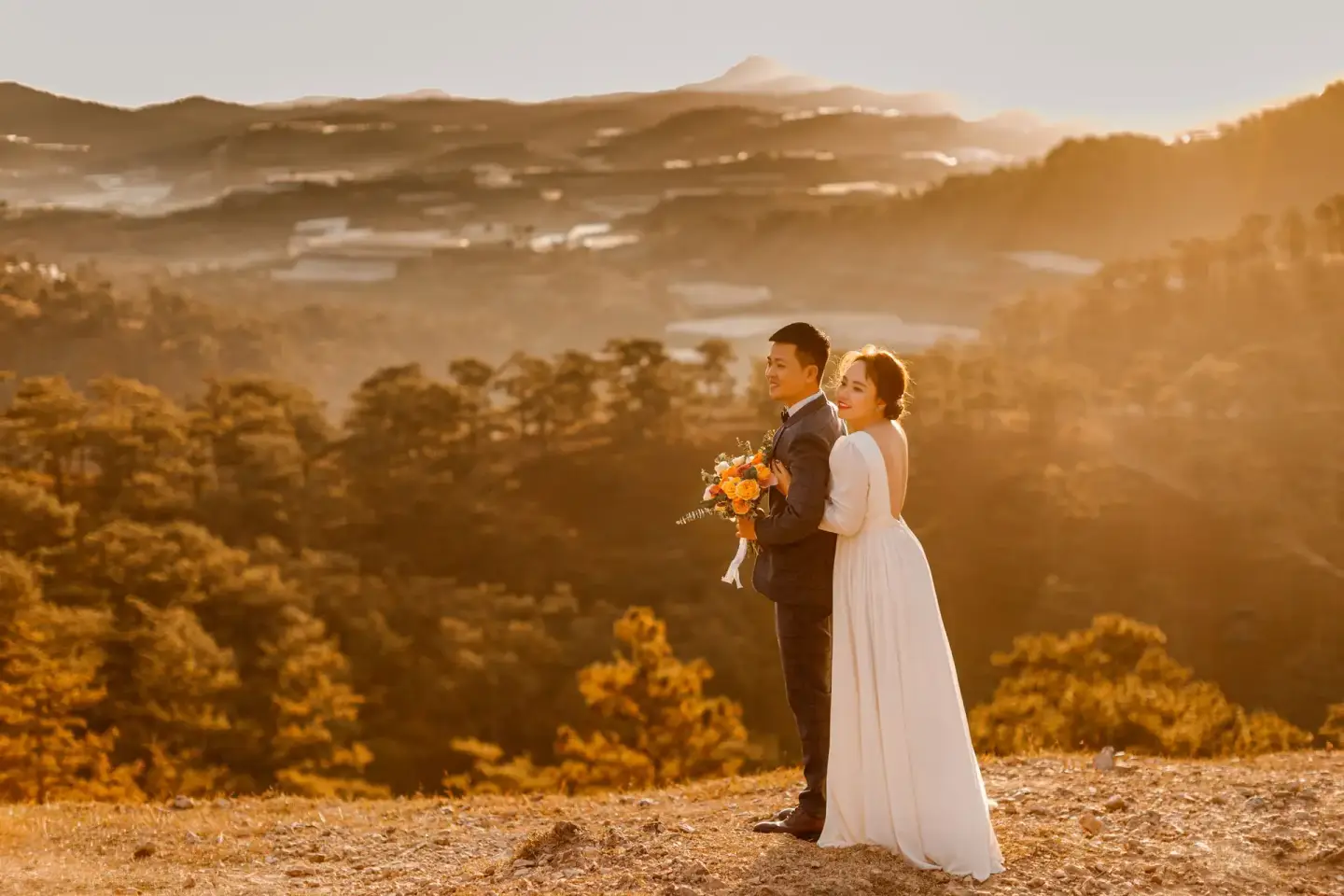 Golden Hour WeddingPre-wedding session
Page views, photos opened and downloads for each gallery, day by day. You know the photos were seen before you follow up.
Clients open your link and download the original files. They never sign up or install an app.
Grid, masonry, justified, mosaic, parallax… Pick one and every gallery follows. Switch anytime.
Drop a folder or a batch of photos and watch each file upload. JPG, PNG, WebP, GIF and TIFF up to 20 MB each.
Paste one snippet into any page of your site. The gallery keeps its style, lightbox and downloads, and its visits count in your stats.
Grid, masonry, justified… Pick how your galleries look. Change it anytime in Settings.
Give it a name, a banner title and a background image. Takes 10 seconds.
Drop photos or a whole folder. They come in shooting order, and you can drag them around.
Copy the gallery link and send it to your clients. Works on any device, no app required.
 Golden Hour Wedding
Pre-wedding session
picshelf.app
Your photos are ready! picshelf.app/

Scan it to open the gallery on your phone, the way your client will.
Your files are stored and delivered exactly as you uploaded them, never recompressed.
Visits are counted without storing your clients’ IP address, a device identifier or a cookie.
Your galleries show no ads, and your data is never sold or rented to anyone.
Delete a photo or an album whenever you like. A deleted account takes its albums, photos and stats with it.
No. They open the link in any browser, on a phone or a computer, and can view and download right away.
Yes. The download button gives them the original file exactly as you uploaded it. The gallery itself shows lighter copies so it loads fast.
Anyone who has the link. PicShelf doesn't list your galleries anywhere, but there is no password, so share each link only with the people who should see the photos.
Until you delete them. A gallery doesn’t expire: the link your client received keeps working.
JPG, PNG, GIF, WebP and TIFF, up to 20 MB per photo. You can drop a whole folder at once.
Yes. The style is chosen in Settings and applies to all your galleries at once; the link you sent stays the same.
No. Your photos appear only in your own galleries. PicShelf shows no ads and never sells data.
Another question? Write to us at [email protected]